
Projects: grouping your forms
Published
Group related forms into a project so a season, a client or a site has one place — and give the right people access to it.
How do I group related forms together?
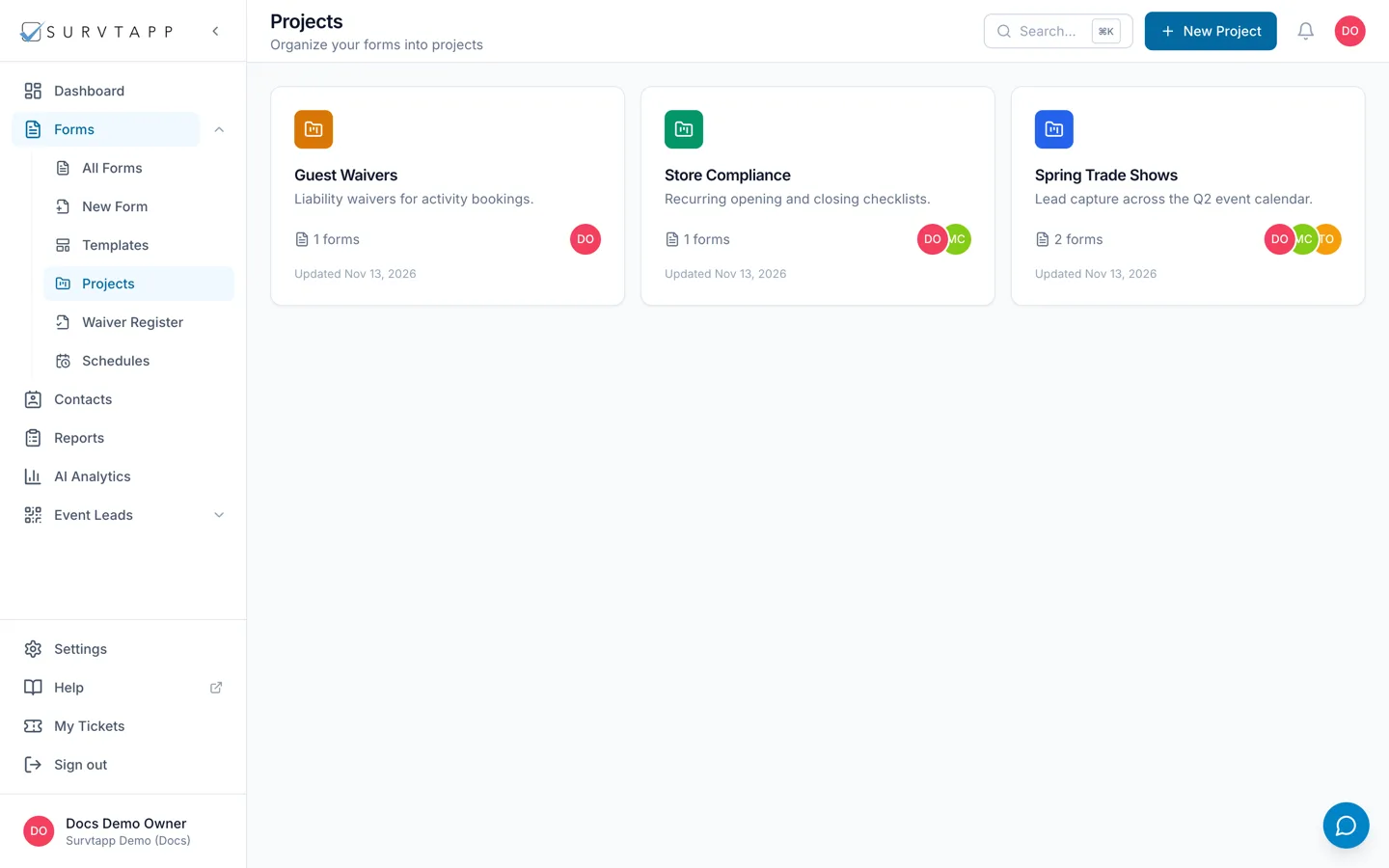
Use a project. Go to Projects, click New Project and give it a name, a description and a colour. Then add forms to it either from the project, with Add existing forms, or from a form’s own Settings tab, where the Project card sits at the top. A project has its own members, a form belongs to one project at a time, and deleting a project never deletes the forms in it.
A project is a folder for related forms. Once an account has more than a handful of forms, a project is what stops the Forms list becoming a pile: one per season, per client, per site or per campaign, whatever matches the way you work.
Making one
- Go to Projects and click New Project.
- Give it a Project name — something you will recognise in a list, such as "Q3 Field Surveys".
- Add a Description if it needs one, and pick a Color so it stands out on the Projects page.
- Save it.
Putting forms in it
Two ways round, and they do the same thing:
- From the project: open it and use Add existing forms, then pick the forms from the list.
- From the form: open the form, go to its Settings tab, and choose the project in the Project card at the top. This is the one people miss — a form can be filed from its own settings, not only from the project side.
Who can see a project
A project has its own members. Open it and use Add member to bring someone in. The project page shows how many forms and how many members it holds, so you can see at a glance whether a project is actually being used.
Deleting one
Deleting a project does not delete the forms in it — they go back to being unfiled and stay in your Forms list with every response they have collected.
Frequently asked questions
Do I have to put a form in a project?
No. Projects are optional, and a form with no project behaves exactly like any other. The Project card on the form’s Settings tab reads No project until you choose one.
Can a form be in two projects?
No. A form belongs to one project at a time; choosing another moves it.
I deleted a project by mistake — are my forms gone?
No. The forms and their responses are untouched; they are simply no longer filed under anything.