
Contacts, Lists & Import/Export
Published Updated
Manage contacts, import from CSV and sync to your email tools.
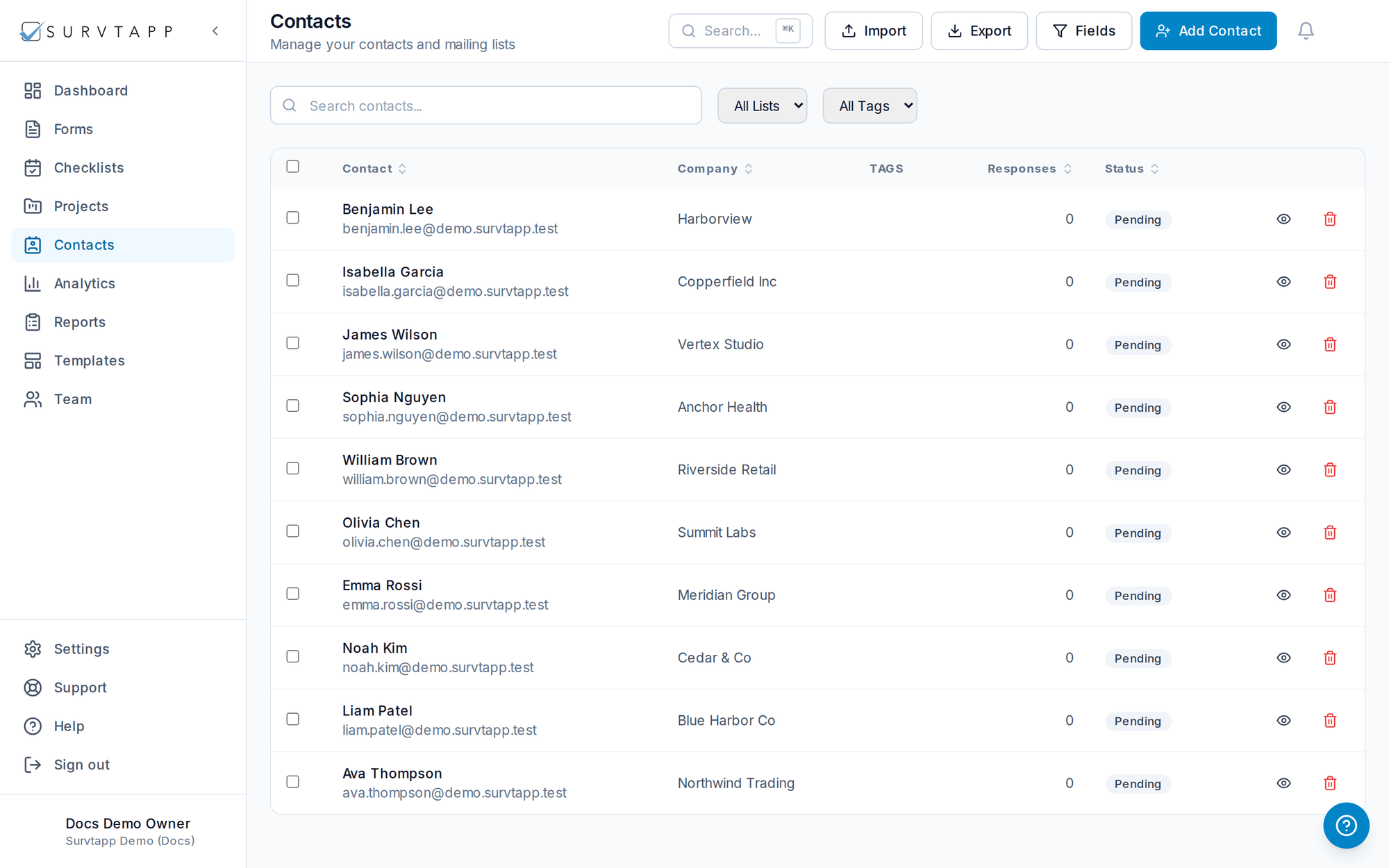
How do I manage my contacts in Survtapp?
Contacts is your address book. Create, edit and organise contacts into lists, import and export them as CSV, and sync them to SendGrid, Mailchimp and GoHighLevel from Integrations. Each contact shows an email status, and triggers and campaigns skip anyone who is not Subscribed.
Contacts is your address book for sending invitations and tracking respondents.
- Create, edit and organize contacts into lists.
- Import and export contacts via CSV.
- Configure which contact fields a public form collects.
- Sync contacts to SendGrid, Mailchimp and GoHighLevel from Integrations.
Email status
Each contact shows whether you can email them: Subscribed, Unsubscribed, Bounced (the address is permanently unreachable) or Complained (they marked an email as spam and were unsubscribed automatically). Triggers and campaigns skip anyone who is not Subscribed.