Triggers & Email Automation
Send automatic emails to the right people when a response comes in.
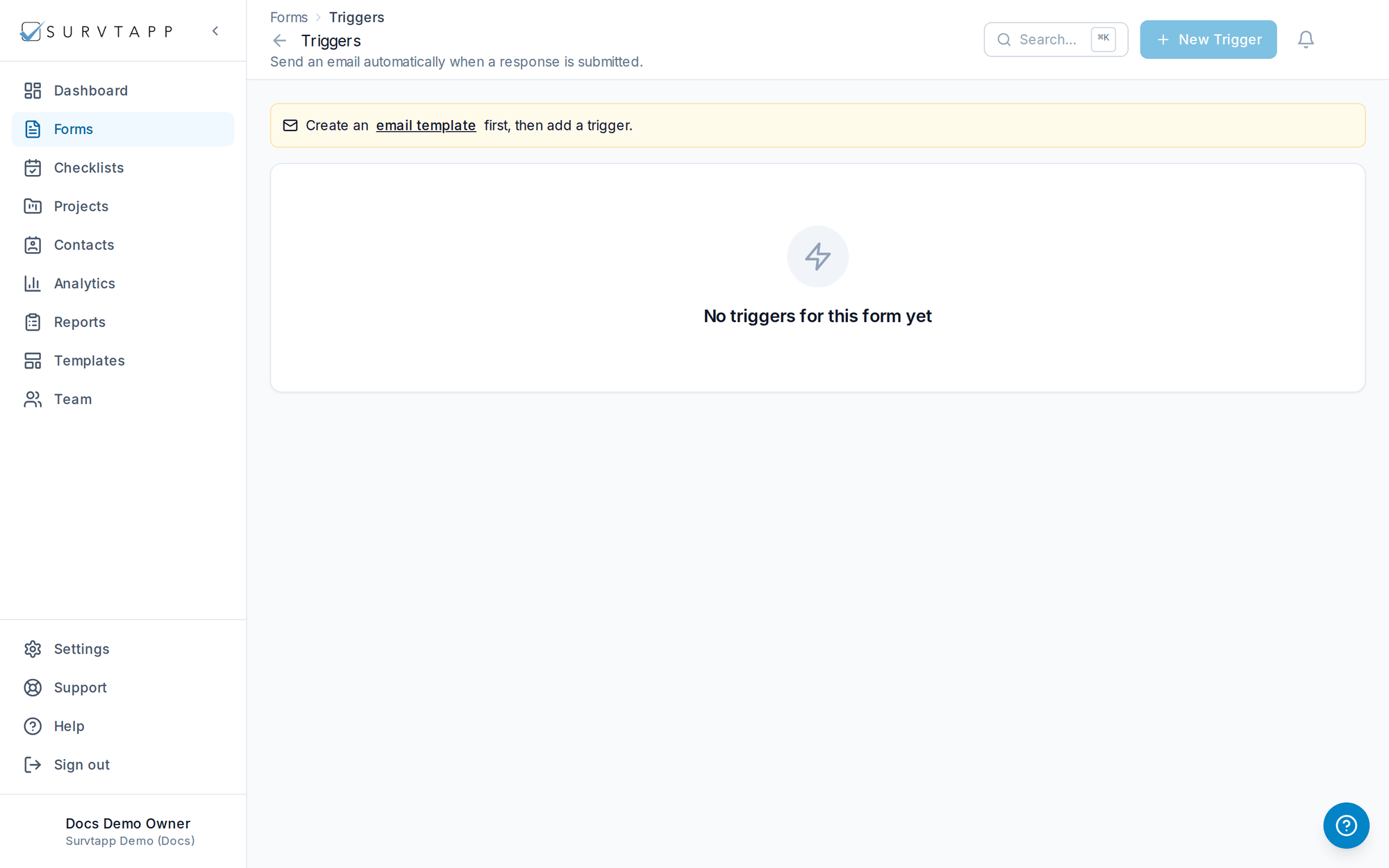
Triggers send templated emails based on response conditions.
- Notify admins, managers, agents, the participant or a custom recipient.
- Use merge tags to personalize subject and body.
- Combine with conditions so only relevant answers fire an alert.
Writing the email
Open a trigger and you can edit the subject and body of the email it sends right there, including inserting merge tags. You can also create a new template without leaving the trigger.
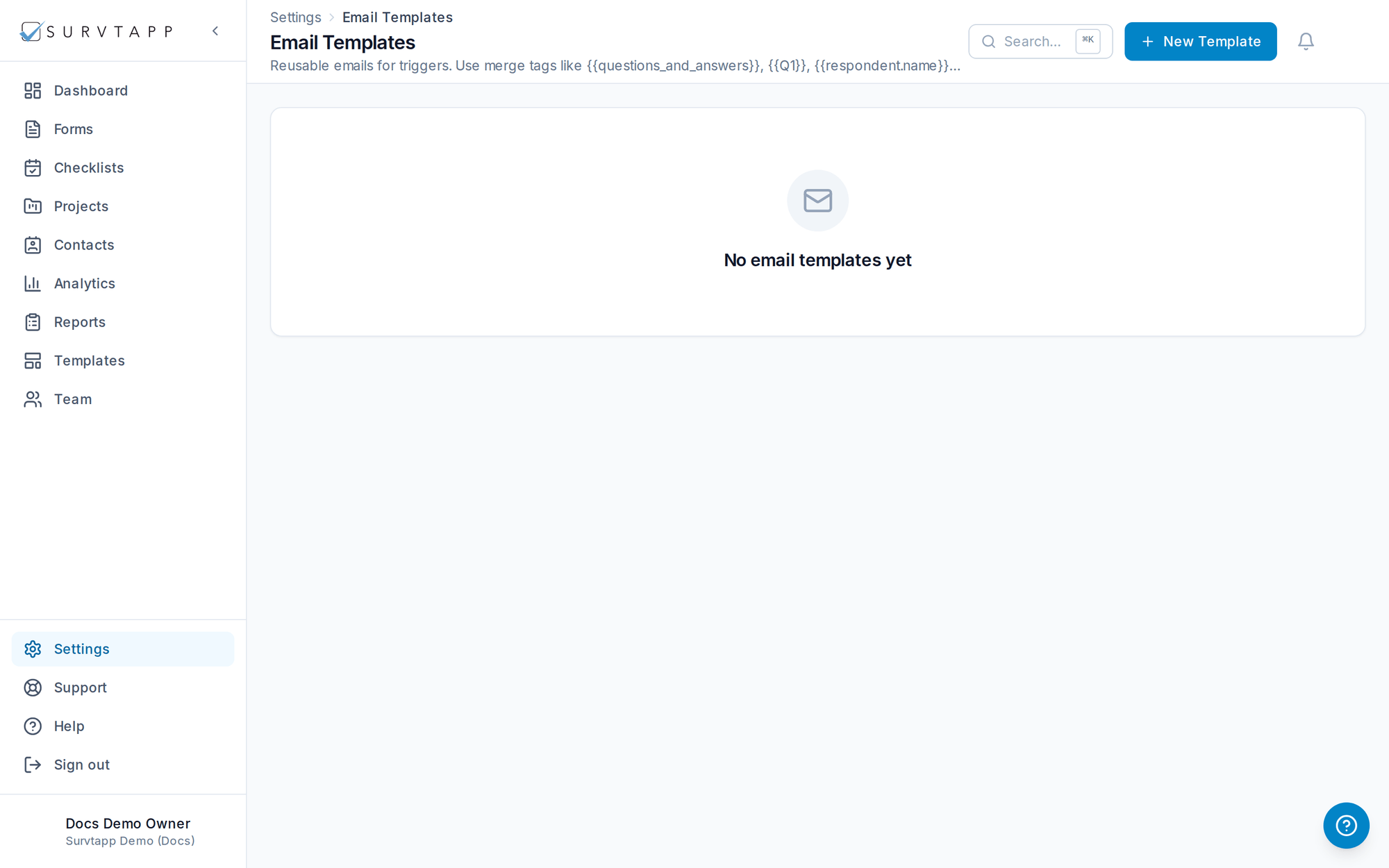
Templates are shared across the account: editing one updates every trigger that uses it. Manage them all in one place under Settings → Email Templates.