Branding Your Forms
Apply your logo, favicon and brand colors across every form.
Branding makes forms feel native to your organization.
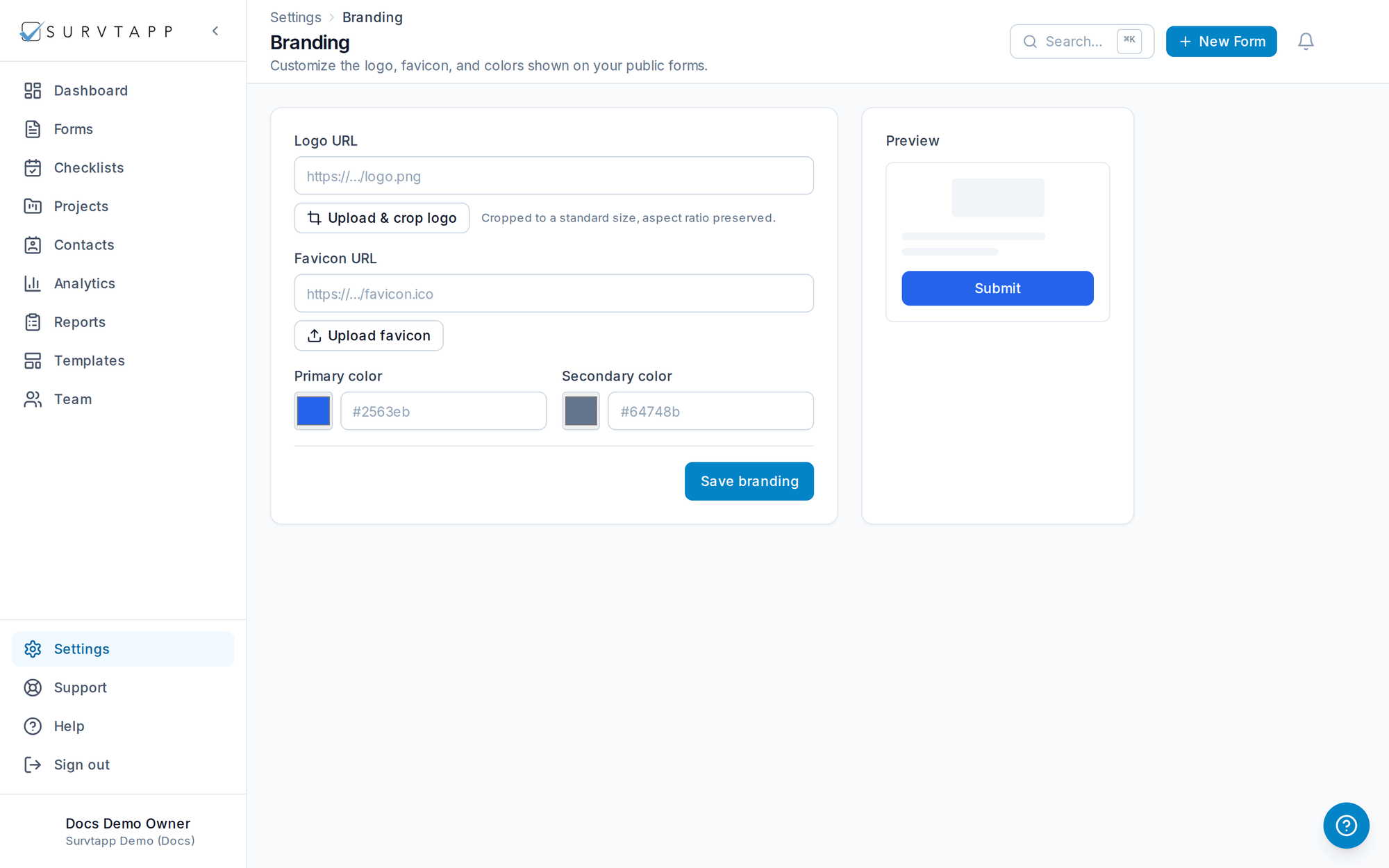
- Go to Settings → Branding.
- Upload your logo and use the crop tool to frame it at the standard size while keeping its aspect ratio.
- Set your favicon and primary color; these apply to the progress bar, buttons and public pages.
How it looks to respondents
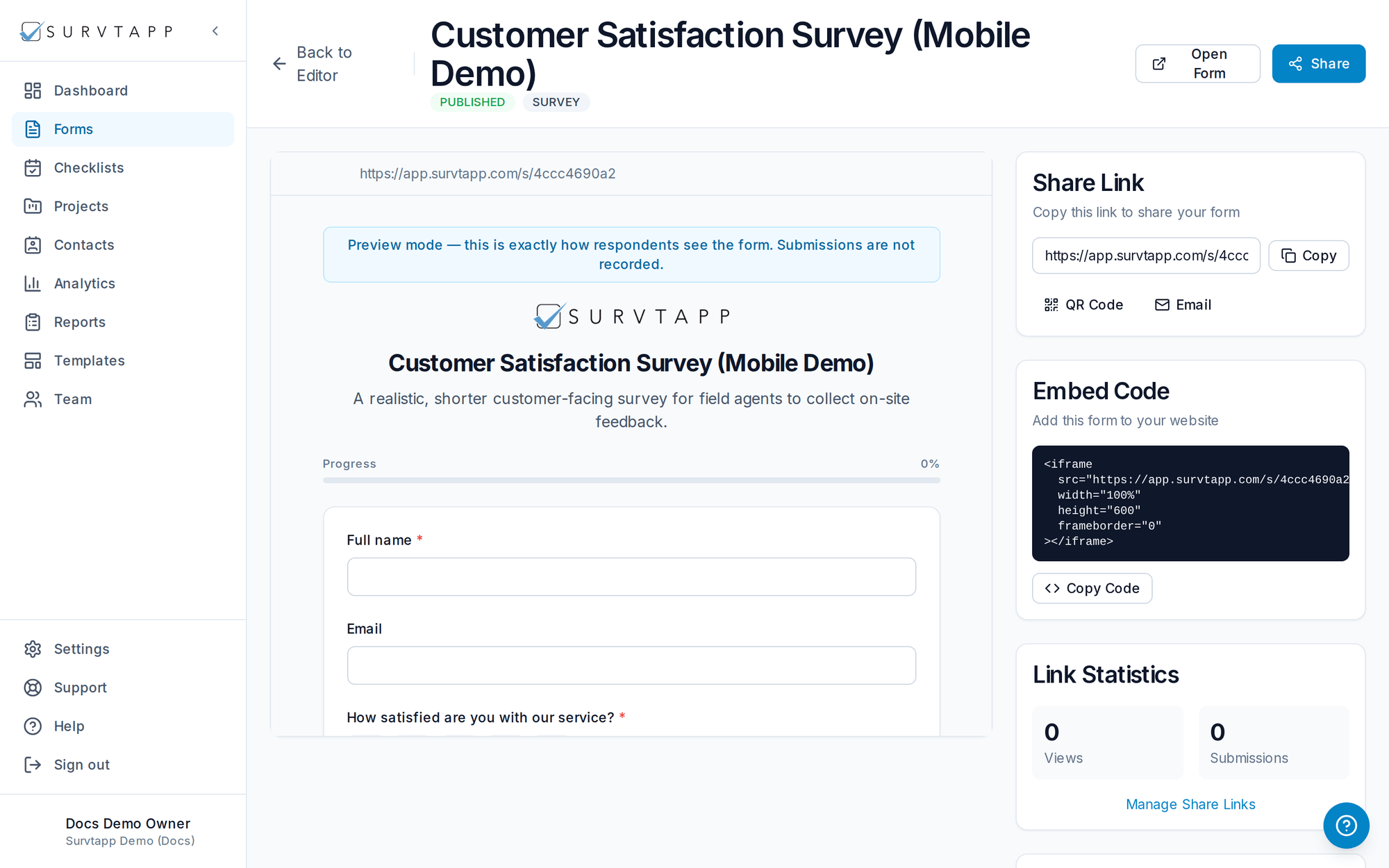
Once set, your branding is applied automatically to every published form and public page — no per-form configuration needed.