
Integrations
Connect Survtapp to SendGrid, Mailchimp, GoHighLevel, HubSpot, Constant Contact and more.
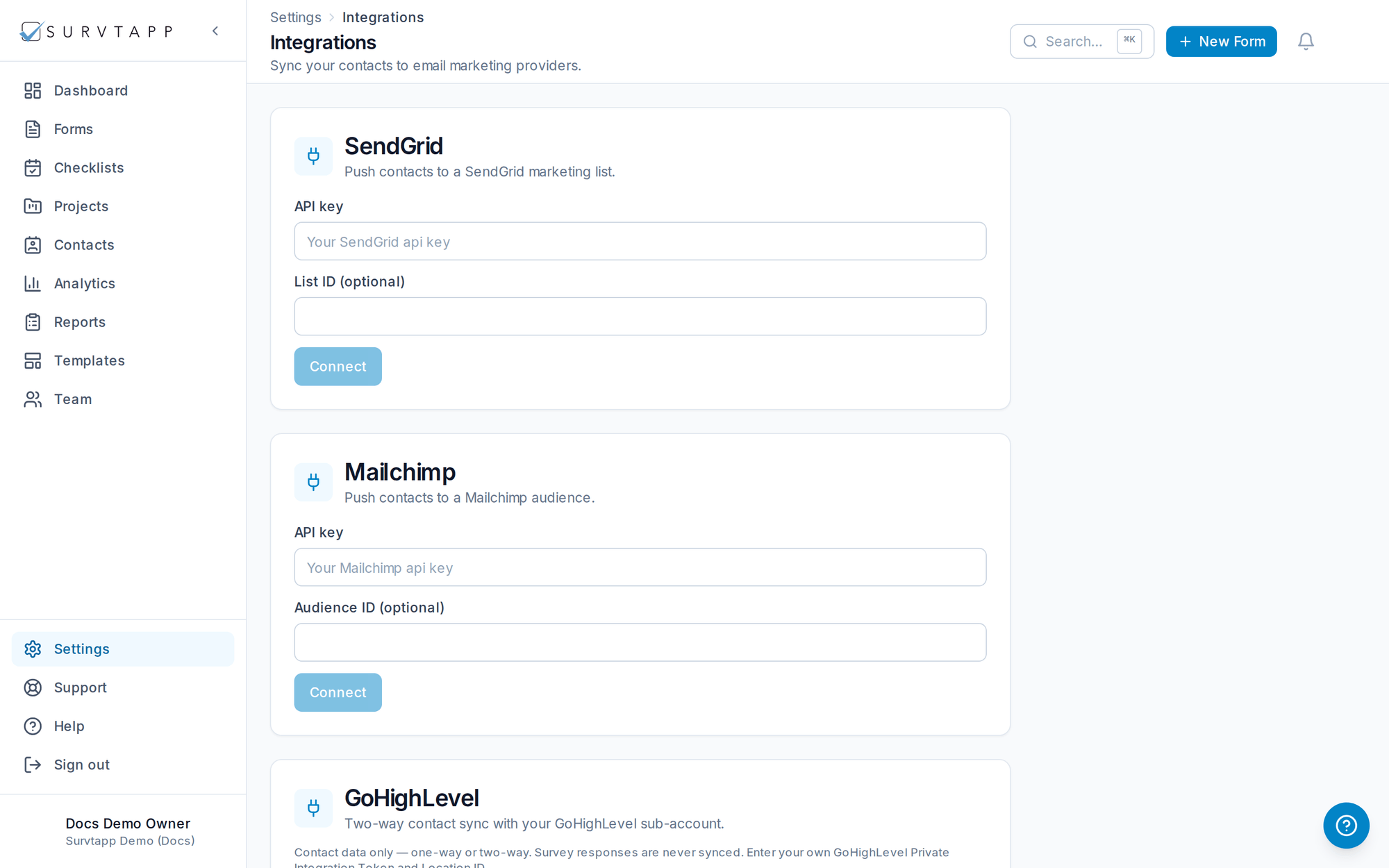
Integrations push your data to the tools you already use.
- SendGrid and Mailchimp contact sync (one-way, out of Survtapp).
- GoHighLevel and HubSpot two-way contact sync — choose Push, Pull or Both.
- Constant Contact contact sync into any of your contact lists.
- Name, email and phone are all carried on every sync.
- API keys and webhooks for custom, real-time integrations.
Connecting each provider
SendGrid, Mailchimp, GoHighLevel and HubSpot each use a credential you create in that provider and paste in here. For HubSpot, create a private app under Settings → Integrations → Private Apps with the contacts read and write scopes, then paste its access token.
Constant Contact works differently: it issues no API keys at all. You click Connect, sign in to your own Constant Contact account and approve access — there is nothing to copy, and you can revoke it from Constant Contact at any time.
Choosing a list or audience
For Mailchimp and Constant Contact, click Choose audience or Choose contact list to see the lists your account can reach and pick the one to sync into. If Mailchimp has exactly one audience it is selected for you.
When a sync fails
The integration stays connected and keeps your saved key — the card shows the reason the last sync failed so you can fix it and press Sync again. You do not need to re-enter your key.