
Previewing a Form
Preview any form — including a draft that is not published yet — without recording responses.
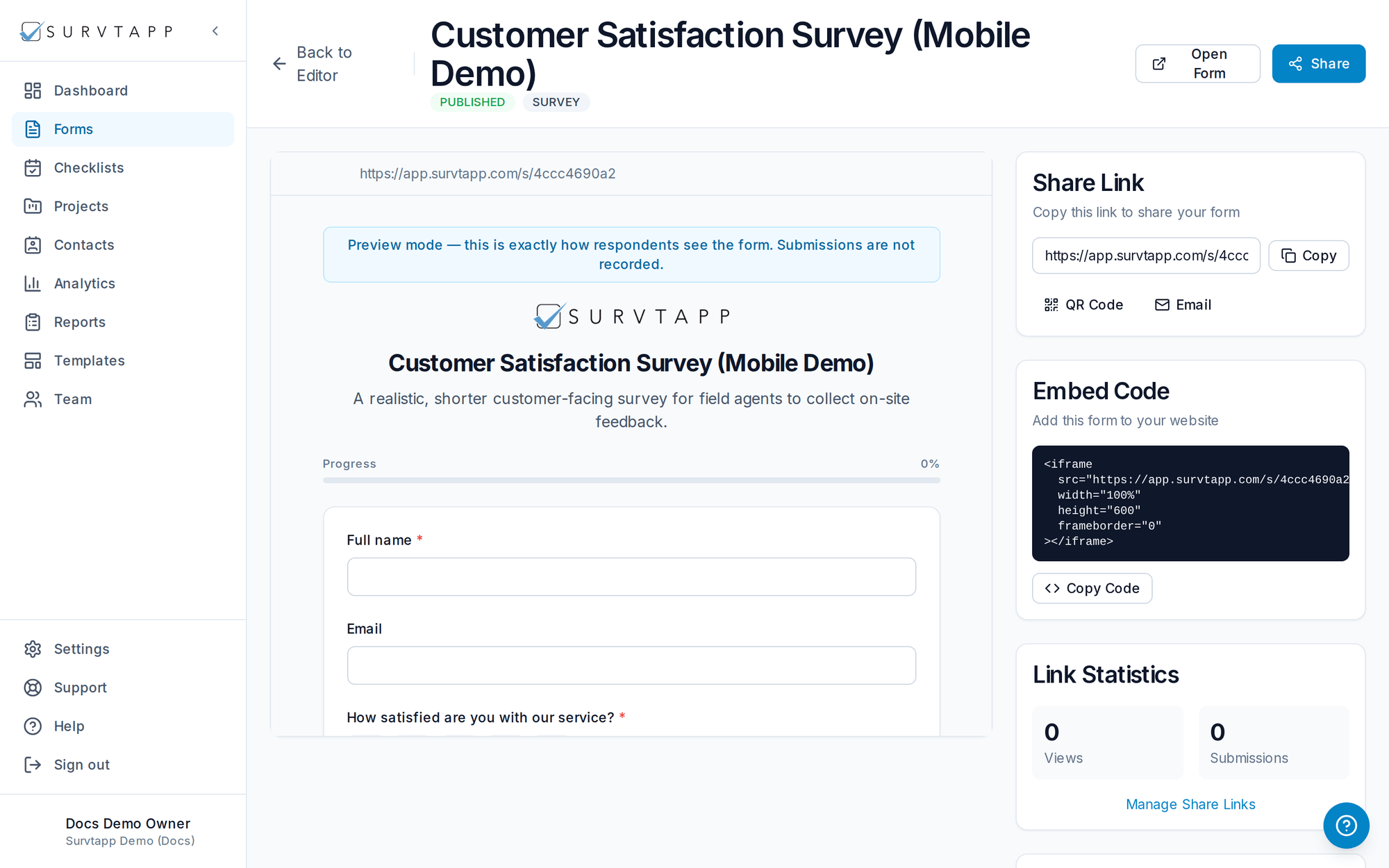
Open a form and click Preview to experience it exactly as a respondent would. Preview works at any status, so you can check a draft long before it is published, and re-check a published form without taking it offline.
- Preview reflects your real questions, validation, logic, branding and layout.
- Submissions made in preview are never recorded as real responses.
- Client Admins, Managers and authorized Staff can preview at any time without changing the form status.