Devices & Agents
Published Updated
Add, remove and unlock the devices your team collects on.
How do I manage the devices my team collects on?
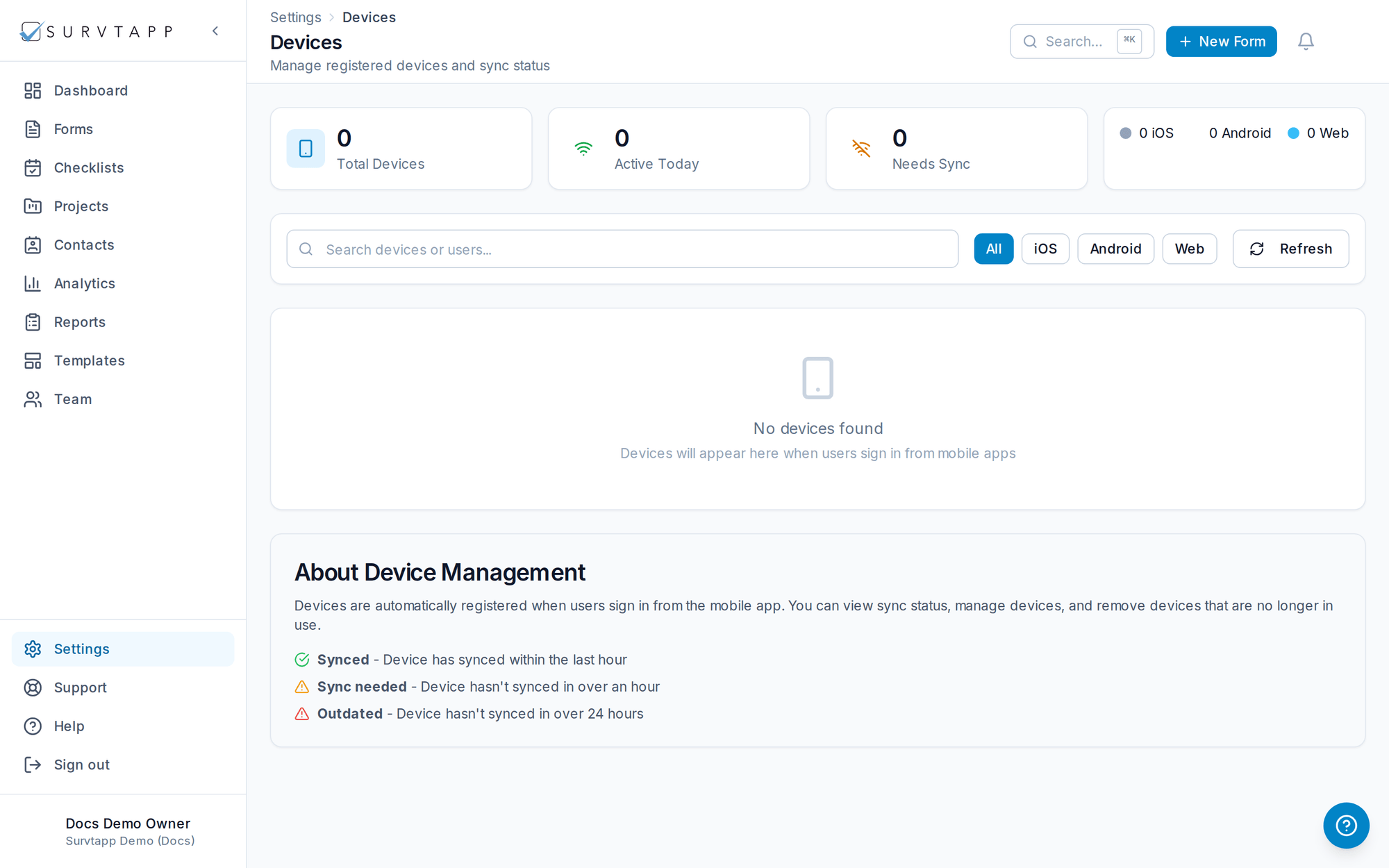
Go to Settings, then Devices. There you can add or remove devices linked to your account, view their activity logs, unlock a locked device and review unlock requests.
Manage the devices linked to your account under Settings → Devices.
- Add or remove devices and view their activity logs.
- Unlock a locked device or review unlock requests.
How a device gets on the list
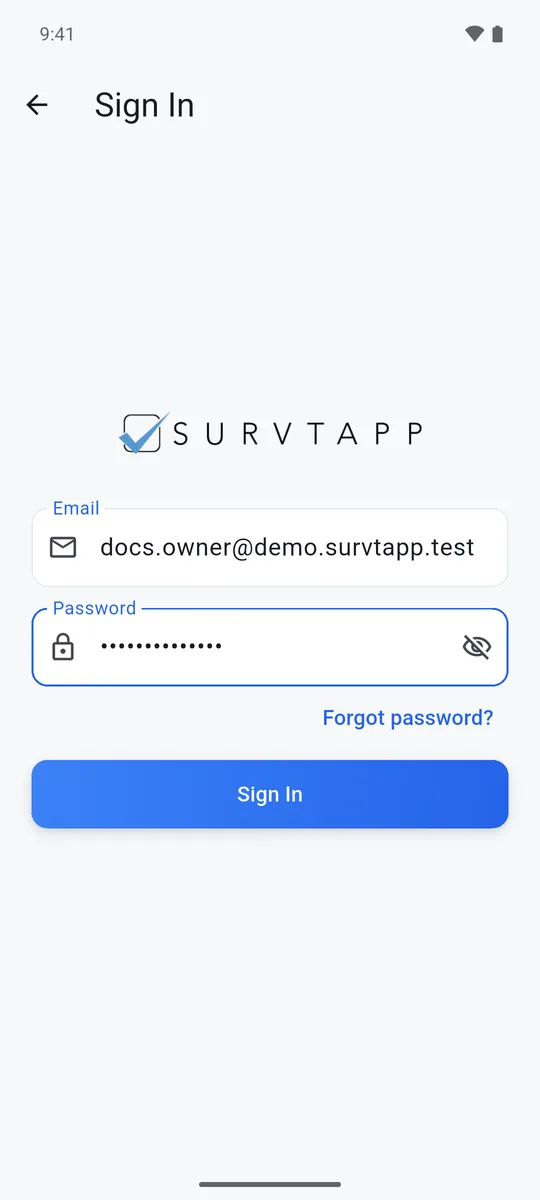
You do not add a device from the web. A device appears here the first time an agent signs in to the Survtapp app on it, using the same email and password they use on the web. Your plan limits how many devices you can have; once it is reached, the next sign-in is refused until you remove one here or move to a larger plan.