Using the Form Builder
Add and reorder questions, add pages, logic and welcome screens.
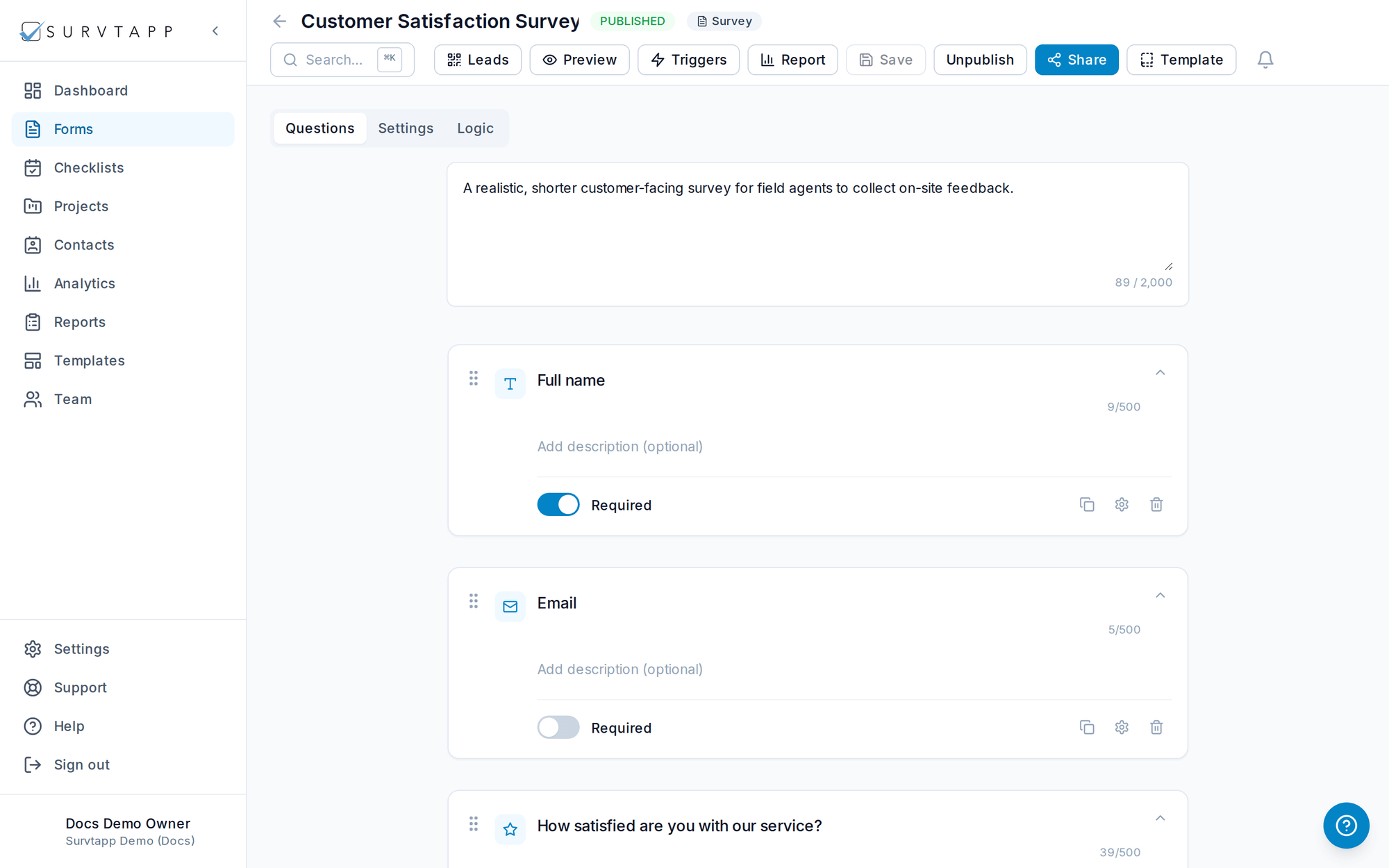
The form builder is a drag-and-drop canvas for assembling your form.
What you can add
- Questions — 20+ types, each with its own validation and required toggle.
- Welcome message and thank-you screens.
- Page breaks to split long forms across steps with a progress bar.
- Images before a question or beside the title, and dividers.
- Conditional logic and chain/skip logic to show the right questions to each respondent.
Drag any question to reorder it. Each question can be marked required and given a description, placeholder and validation rules.
Preview as you build
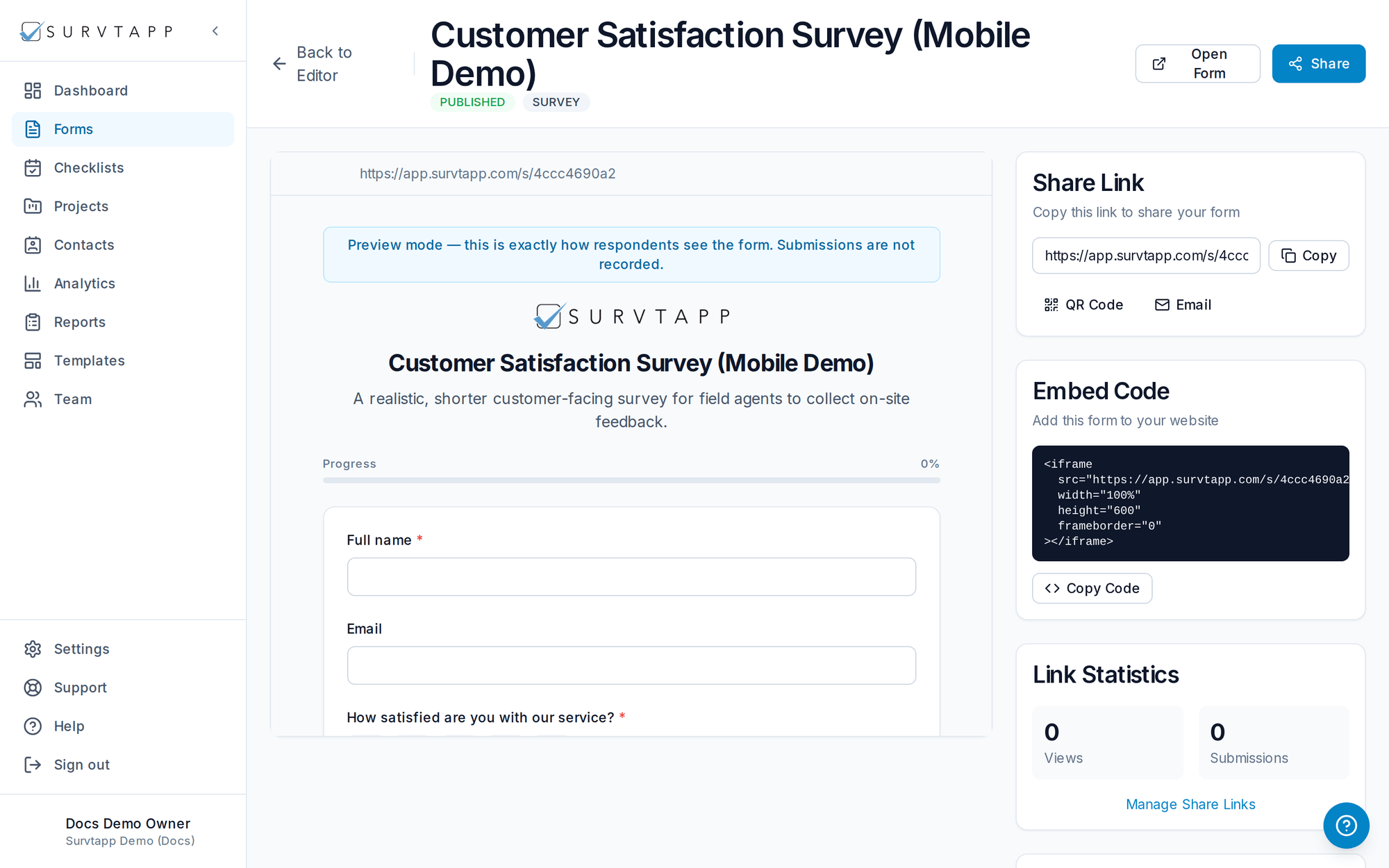
At any point, open Preview to see the form the way a respondent would. Nothing you submit in preview is recorded as a real response.
Publish and share
When the form is ready, publish it and share it via link, QR code, email or embed — or collect on a device in kiosk mode.