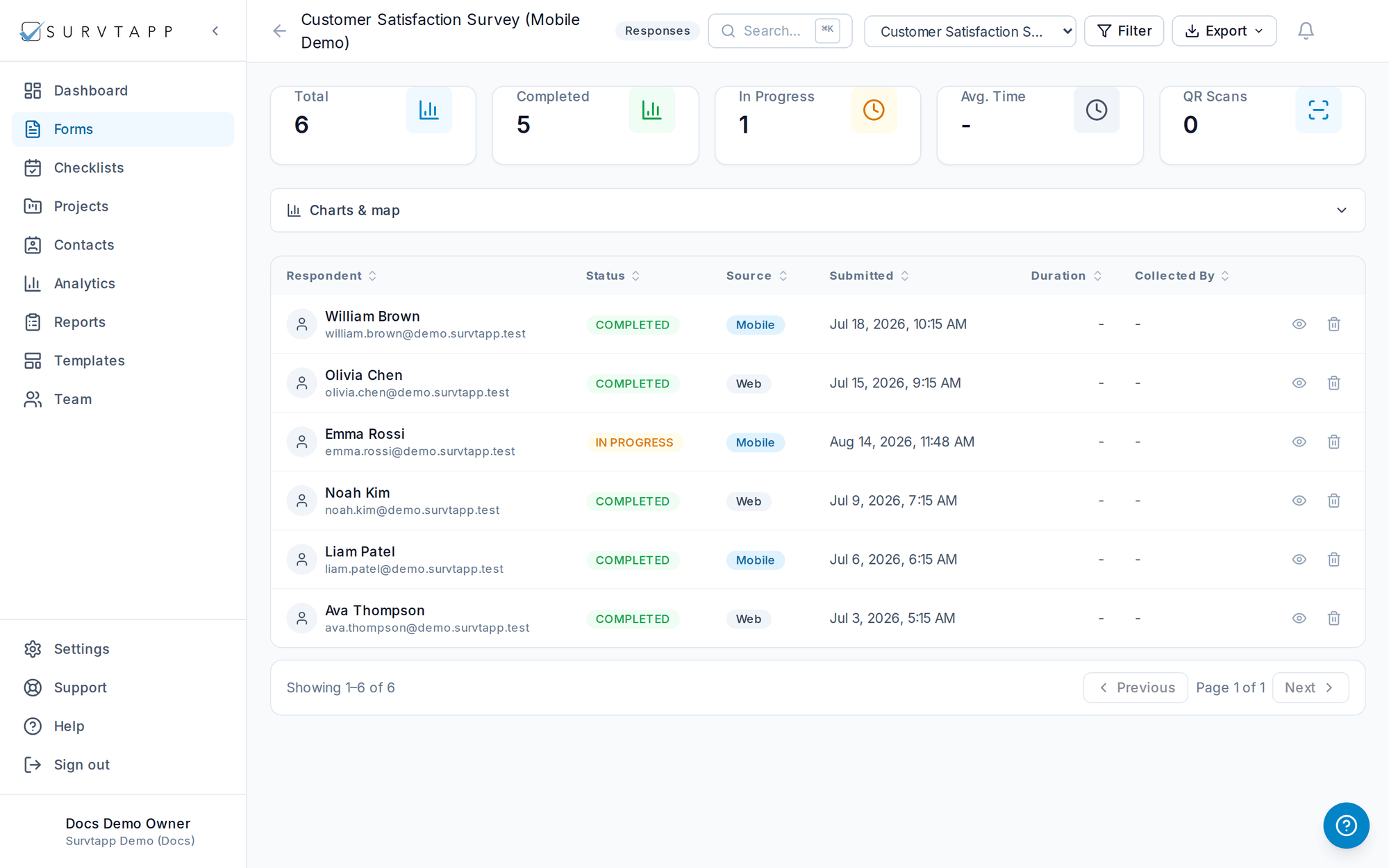
Responses & Reporting
View, filter, chart and export your form responses.
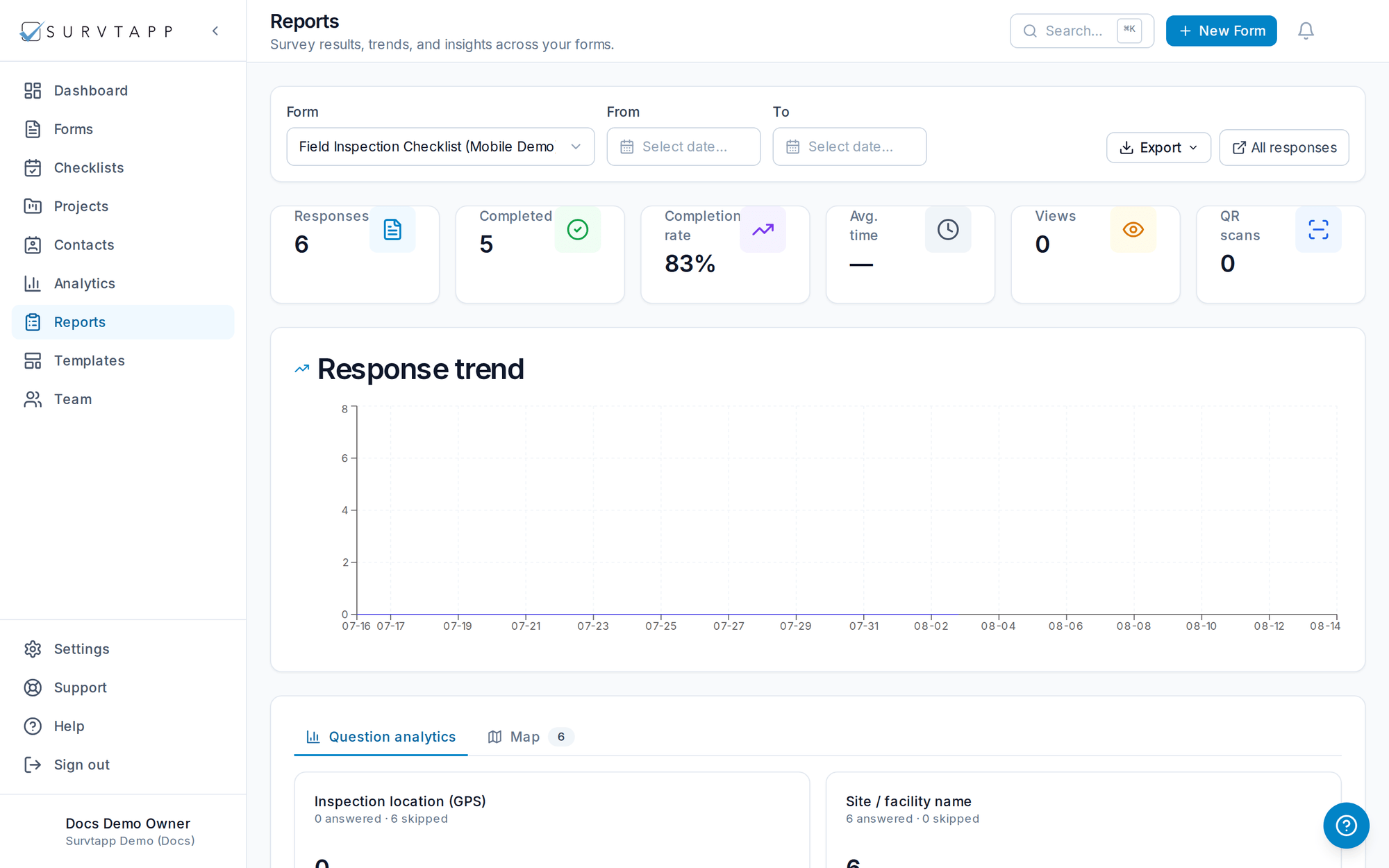
Every submission is available under Responses, with a Reports view for analytics.
- View all responses or drill into an individual response.
- Per-question charts: bar, pie and NPS, plus a response trend over time.
- A world map of the locations where responses were collected.
- Export to CSV, Excel (XLSX), PDF or JSON — for all responses or a single one.
Browsing responses
Open a form’s Responses to browse every submission, filter by status or date, and drill into an individual response to see every answer.